Downloads are paused.
Download Mever for MacMever is temporarily paused — downloads are unavailable right now.
Installation
- 1 Click "Download Mever for Mac" above.
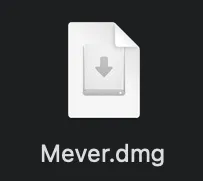
- 2 Double-click the downloaded Mever.dmg to open it.
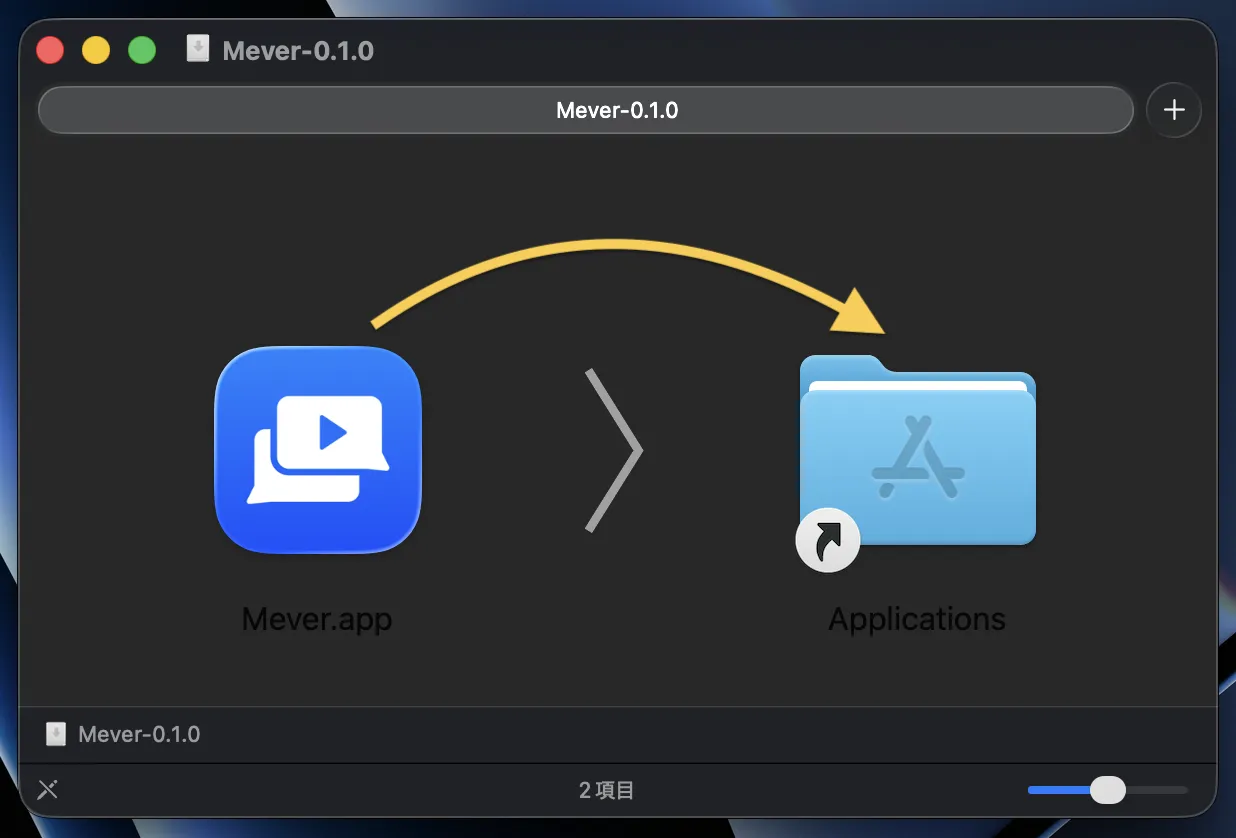
- 3 Drag the Mever icon into the Applications folder. Once the copy is complete, Mever is installed and ready to use.
Need help? Contact us at [email protected]